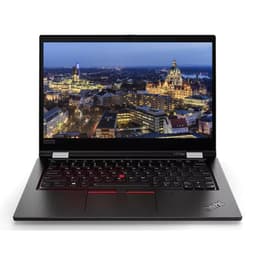
Compare refurbished Laptops
Offers for Laptops
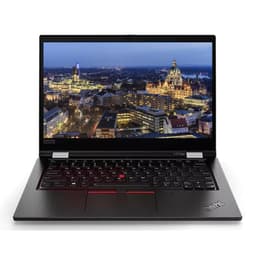
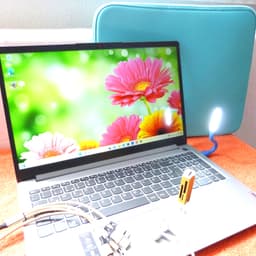

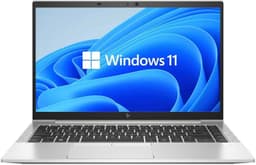
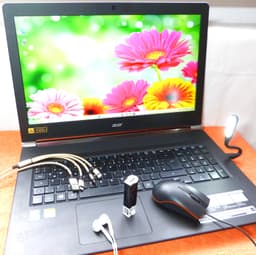
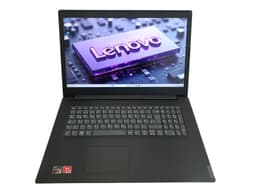
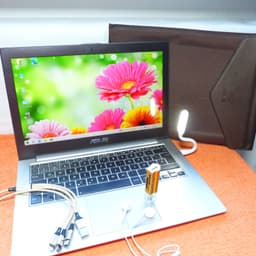

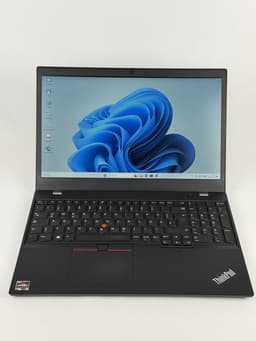
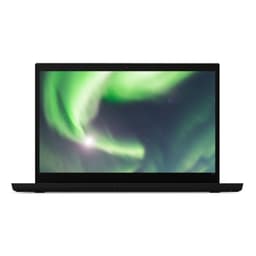
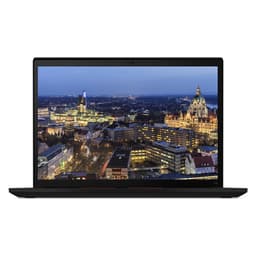
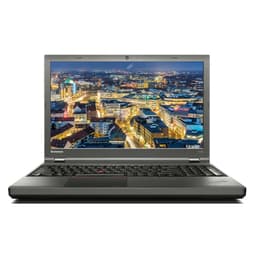
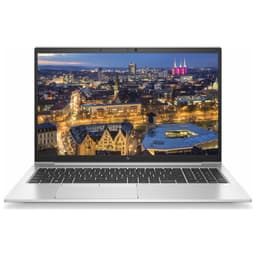
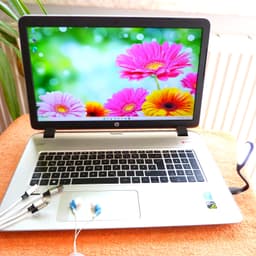
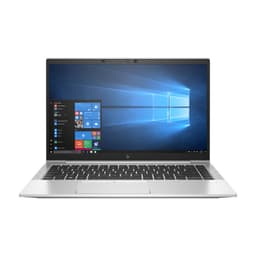
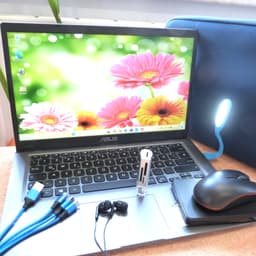
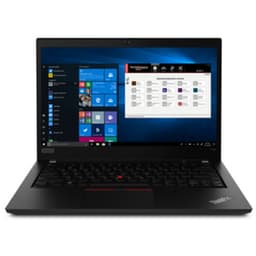
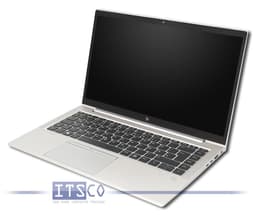

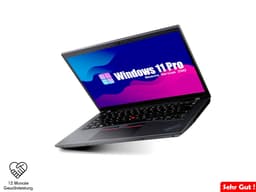


Live data from the Fyndl pipeline. Verify price and condition with the seller before buying.
Compare refurbished laptops
Compare used and refurbished laptops from different retailers in one place. Look at the exact model, processor, RAM, SSD and condition. The lowest price alone does not tell you which notebook suits your daily needs.
What to compare
- Match configurations where possible: similarly named devices can have different processors, screens and storage capacities.
- Check the keyboard layout, ports, included charger and operating system. Ask the retailer about missing details.
- Check the final price including shipping and read the warranty and return terms for the specific offer.
What to check before buying
- Ask about the promised battery capacity if you often work away from a socket. The cosmetic grade does not automatically describe the battery.
- Check software requirements and operating system support with the relevant manufacturer.
- Document the condition on arrival and test the keyboard, display, ports and battery promptly within the applicable return period.
Which refurbished laptop works for university?
Start with the software your course requires. For notes, research and video calls, a readable display, low weight and battery life matter. For CAD, video editing or larger data analyses, software requirements determine the specifications you need. Check your university’s requirements before choosing between Windows and macOS.
Buying a used MacBook: which specifications matter?
Compare chip generation, RAM and SSD first. Two offers labelled MacBook Air or MacBook Pro can have very different specifications. Check software compatibility, support for the macOS version you need, keyboard layout and battery condition. Ask the retailer to confirm that the device has no Activation Lock or company management enrolment.